 United Kingdom
 Ireland
 Iceland
 United States
 Canada
 France
 Spain
Spain Netherlands
 Belgium
 Portugal
 Germany
 Austria
 Poland
 Romania
 Italy
Italy Greece
 Denmark
 Switzerland
 Luxembourg
 Cyprus
 Malta
Malta Sweden
 Norway
 Finland
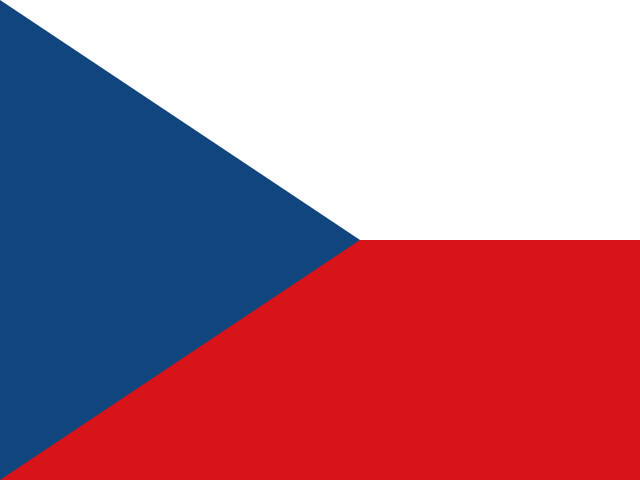 Czechia
 Hungary
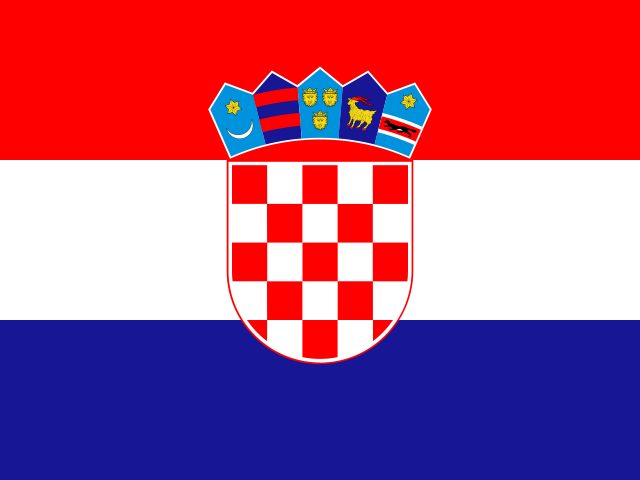 Croatia
 Bulgaria
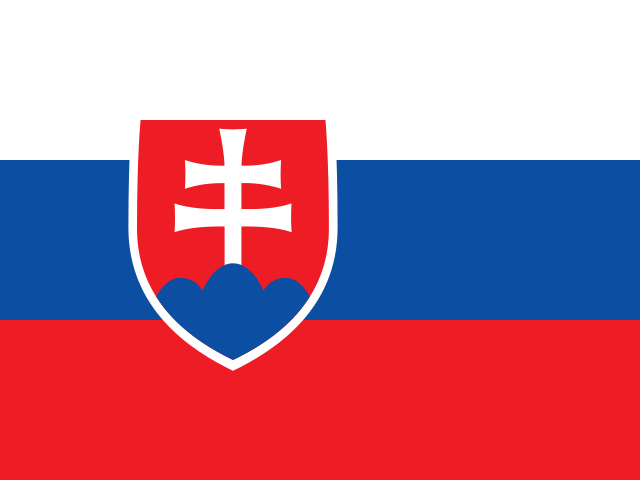 Slovakia
 Slovenia
 Estonia
 Latvia
 Lithuania
 Liechtenstein
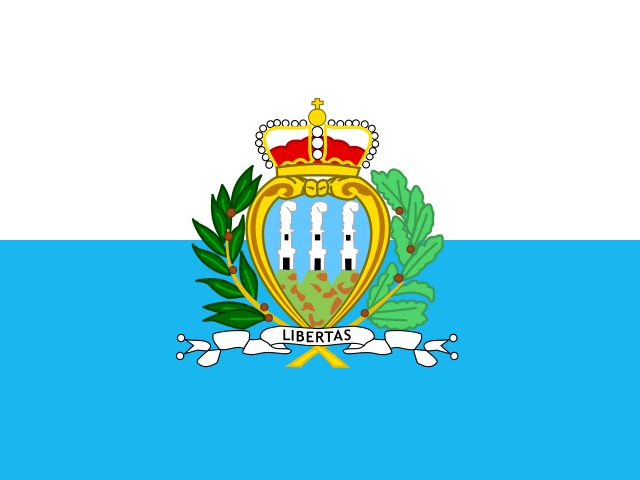 San Marino
 Gibraltar
 Monaco
 Moldova
 Andorra
 Serbia
 Jersey
 Guernsey
 Isle of Man
 Türkiye
 Montenegro
 Bosnia & Herzegovina
 Kosovo
 Albania
 North Macedonia
 Ukraine
Set up Chef Hygiene
Three short guides: create your account, set up a shared kitchen tablet, and put the app on a staff member's phone. The highlighted words are the buttons you tap.
Phone apps are coming to the App Store and Google Play soon. Today, use app.chefhygiene.com in any browser.
1. Create your account (owner or manager)
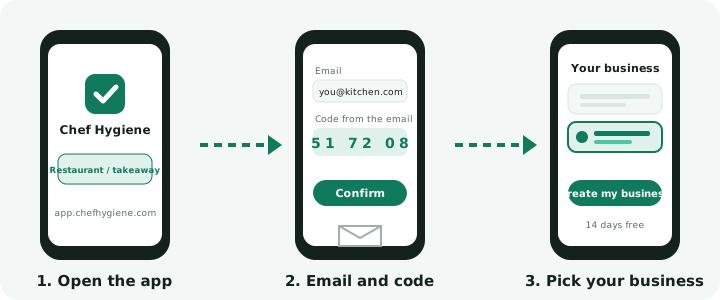
- Open app.chefhygiene.com.
- Tap Restaurant / takeaway.
- Under Owner / manager, tap Create an account.
- Type your email and a password (8 or more characters), and tick the box to agree to the terms.
- Tap Create account.
- Type the code we email you in Code from the email, then tap Confirm.
- Under Where is your business?, tap your country.
- In the UK: type your postcode or town, tap Find my business, then tap your business.
- In other countries: tap Next and fill in your business details.
- Tap Create my business. Your 14-day free trial starts. No card needed.
Tips
- No code? After 60 seconds, tap Send a new code. Also look in your spam folder.
- On a phone, the bar at the bottom has Home, Checks, Inspection, Team and Settings. On a computer, the menu is on the left.
2. Set up a shared kitchen tablet
Owner or manager
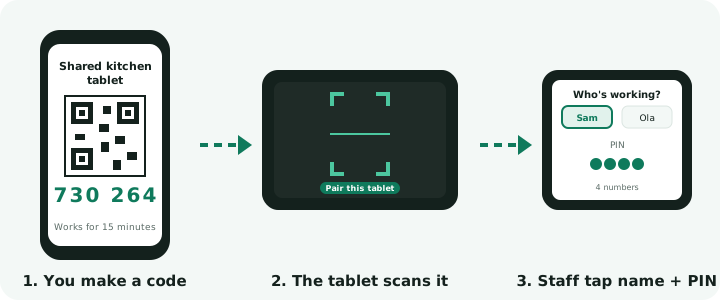
- Tap Team, then Shared kitchen tablet.
- Tap Make a pairing code.
On the tablet
- Open app.chefhygiene.com and tap Restaurant / takeaway.
- Under Shared kitchen tablet, tap Set up a shared kitchen tablet.
- Tap 📷 Scan the QR code, or type the 6-digit code.
- Tap Pair this tablet.
- Staff, each turn: on Who's working?, tap your name, type your 4-number PIN, and tap Finish when you are done.
Tips
- The code works once and ends after 15 minutes.
- Use a separate tablet, not one where the owner is logged in.
- The tablet works without internet and sends the checks when it is back online.
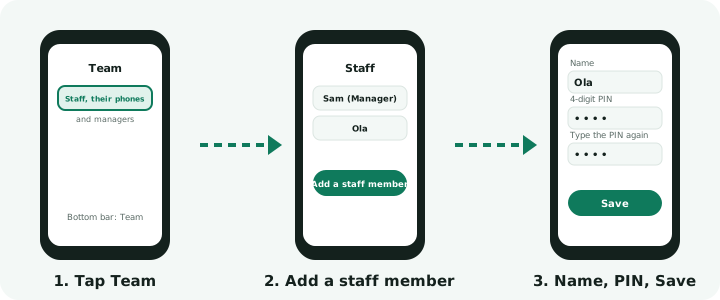
- Each staff member needs a PIN: add it in Team, Staff, their phones and managers.
3. Put the app on a staff member's phone
Owner or manager
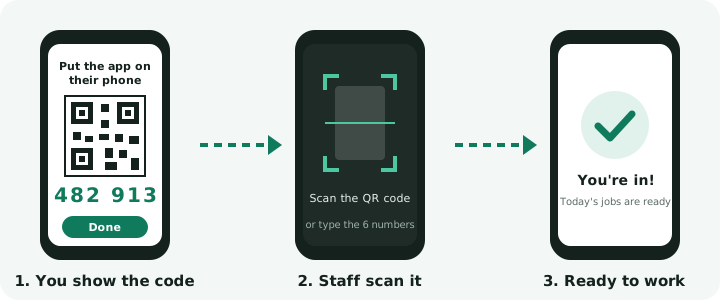
- Tap Team, then Staff, their phones and managers.
- Tap the staff member's name.
- Tap 📱 Put the app on their phone.
Staff, on their phone
- Open app.chefhygiene.com and tap Restaurant / takeaway.
- Tap I'm staff: I have a code.
- Tap 📷 Scan the QR code, or type the code and tap Join.
Tips
- The code works once, for 24 hours.
- Staff can use the app in their own language.
Everyday jobs in pictures